
Contact us
Get in touch with our experts to find out the possibilities daily truth data holds for your organization.
16 February 2023 | Solutions
6 min read
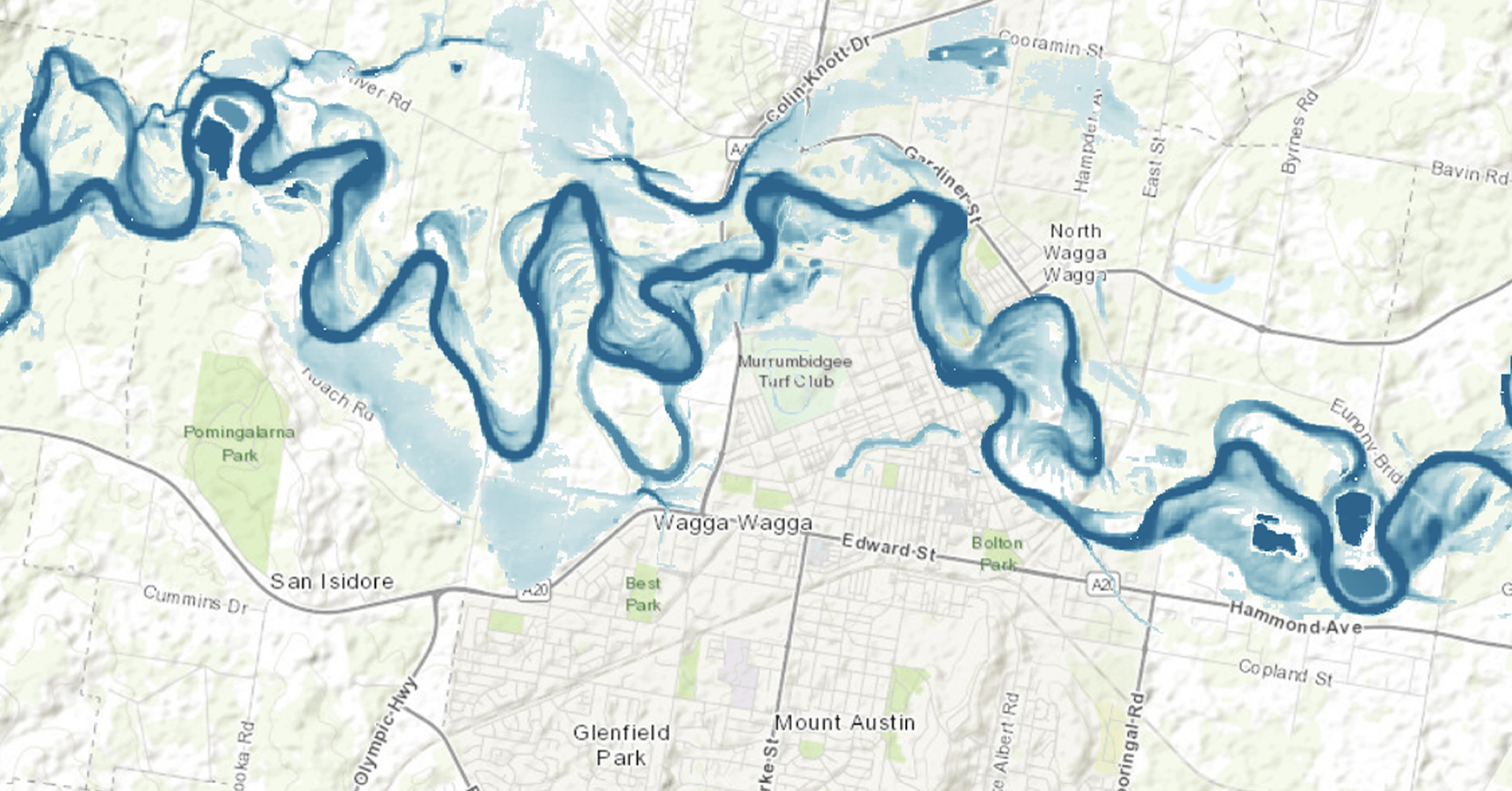
Esri provides users across the public and private sectors with direct access to ICEYE’s near-immediate natural catastrophe insights at the property level. Esri software is deployed in over 350,000 organisations globally, including Fortune 100 companies, governments, and emergency response agencies.
As a Gold Partner, ICEYE's natural catastrophe data is now available to all Esri software users through an ArcGIS integration. This integration provides access to tools for data capture, analysis, and sharing, enabling detailed spatial analysis and real-time visualizations to improve response capabilities and operational awareness.
Through their existing Esri environments, Esri customers can now accessThrough their existing Esri environments, Esri customers can now access ICEYE’s near real-time, high-resolution data for natural catastrophe events worldwide. This information, including flood extent and property-level inundation measurements, is crucial for critical decision-making during natural disasters.
This blog explains the different ways how Esri users can access ICEYE NatCat Insights.
In this delivery option, ICEYE hosts and manages the layers on ArcGIS Online, which are automatically shared to end users via Group Sharing. This means that new data will automatically appear in a groups, ready to be added to maps and apps.
For example, users subscribed to ICEYE flood insights will have access to flood depth in a tiled imagery layer, and flood extent in a hosted feature layer. This enables easy visualization, access through ArcGIS REST API endpoints, and vector-based spatial analysis for inspecting the flood extent with ArcGIS Online’s out-of-the-box functionality. Users with access to ArcGIS Image Server or ArcGIS Image for ArcGIS Online will have access to the raster spatial analysis tools to interrogate the flood depth to get a deeper understanding of the flood event.
Users can now tap into ICEYE-hosted services on Esri with just a few clicks.
This option to access ICEYE insights is via an ArcGIS Online Application. This is meant for end users who are not necessarily interested in spatial analysis, but rather just having an easy visual of the data for situational awareness purposes. ICEYE would provide end users with login credentials to ArcGIS Online and once the user has logged in, they would be able to browse all the viewer applications they are subscribed toThis option to access ICEYE insights is via an ArcGIS Online Application. This is meant for end users who are not necessarily interested in spatial analysis, but rather just having an easy visual of the data for situational awareness purposes. ICEYE provides end users with login credentials to ArcGIS Online and once the user has logged in, they can browse all the viewer applications they are subscribed to. .
This option is low-maintenance, with no need to set up or maintain viewer applications, but it doesn't allow for spatial analysis.
The benefit of this option is there is no need for the end user to set up and maintain their own viewer applications. ICEYE builds the applications, maintains them, and pays for the storage of hosting. Again, any spatial analysis would not be possible with this option, but it is a very accessible ‘lightweight’ method to access ICEYE insights.
Some ArcGIS users prefer to manage and provision the data to their teams themselves. In other cases, customers operate within highly secure ArcGIS Enterprise environments that cannot connect to an ArcGIS Online group for ICEYE Solutions data access. In both scenarios, data can be automatically discovered, downloaded, and published to a customer-managed ArcGIS environment through a connection to our File Delivery API.
Customers who use the file delivery API to automate self hosting have full control over the experience for their end users. They can define layer names and descriptions, decide how services are updated as new ICEYE Solutions data becomes available, manage layer styling, and control user access. This is possible through an ArcGIS Notebook or Python script deployed in any ArcGIS environment.
Overall, with ICEYE's NatCat insights now available on Esri ArcGIS software, you can quickly and easily access the data you need to make informed decisions during natural disasters. Get started today!
Contact the ICEYE Solutions Team today to find out more about these options.
| Access Option | Primary Use Case | Key Capabilities | Maintenance/Control |
| 1. ICEYE-Hosted Services | Users requiring integration with existing Esri environments and the ability to perform spatial analysis. | Provides access to flood depth and extent layers, enabling vector- and raster-based spatial analysis | Low-maintenance; layers are automatically updated and shared via Esri ArcGIS Online. |
| 2. ICEYE-Hosted Application | Simple situational awareness and visualization for end users not interested in spatial analysis. | Accessible 'lightweight' visual data of NatCat events, no need for the user to perform any maintenance. | Lowest maintenance; ICEYE builds, maintains, and hosts the applications and storage. Users have little control over display and customisation. |
| 3. Automated Self-Hosting | Highly secure ArcGIS Enterprise environments or customers who need full control over data provisioning and user experience. | Full control over layer styling, user access, and service updates into a secure environment. | Requires self-hosting and management using the File Delivery API, often through an ArcGIS Notebook or Python script. High customisation possible. |
30 September 2026
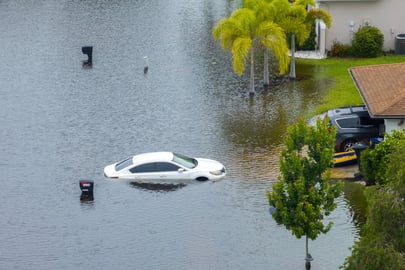
FEMA awards ICEYE an agency-wide natural disaster monitoring subscription
FEMA recently awarded ICEYE an annual SAR Hazard Monitoring subscription, making satellite-derived...
Read more about FEMA awards ICEYE an agency-wide natural disaster monitoring subscription →
24 September 2026
Insurers Have Always Known What Happened. Now They Can Know What's Coming
Discover how ICEYE uses satellite intelligence to help insurers move from event response to...
Read more about Insurers Have Always Known What Happened. Now They Can Know What's Coming →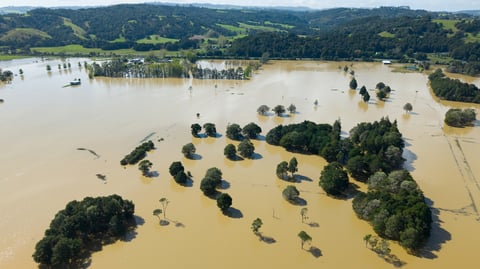
03 September 2026
Why ‘lower risk' doesn't mean 'no risk' during a Super El Niño
ICEYE's 2026 data shows floods and fires breaking usual patterns in several regions during El Niño.
Read more about Why ‘lower risk' doesn't mean 'no risk' during a Super El Niño →